
Now playing on Apple TV

Your media server, with a red-carpet welcome.
Foyer turns the movies, series and channels on your media server into a proper Apple TV experience: posters and ratings, subtitles that stay in sync and an assistant that knows your catalog.
 Soon
Soon
Opens with a demo of 145 free films · No account needed
-

AbsolutelyNo trackingNo ads · No accounts
-
Spoken in14 languagesFrom Deutsch to 日本語
-
Built-in demo145 filmsClassics & open movies
-
Your choice of3 AI assistantsAnthropic · OpenAI · Google
Now showing
Every title gets the premiere treatment.
Foyer finds the poster, backdrop, cast and reviews for everything on your server, and lays it all out the way an Apple TV app should.
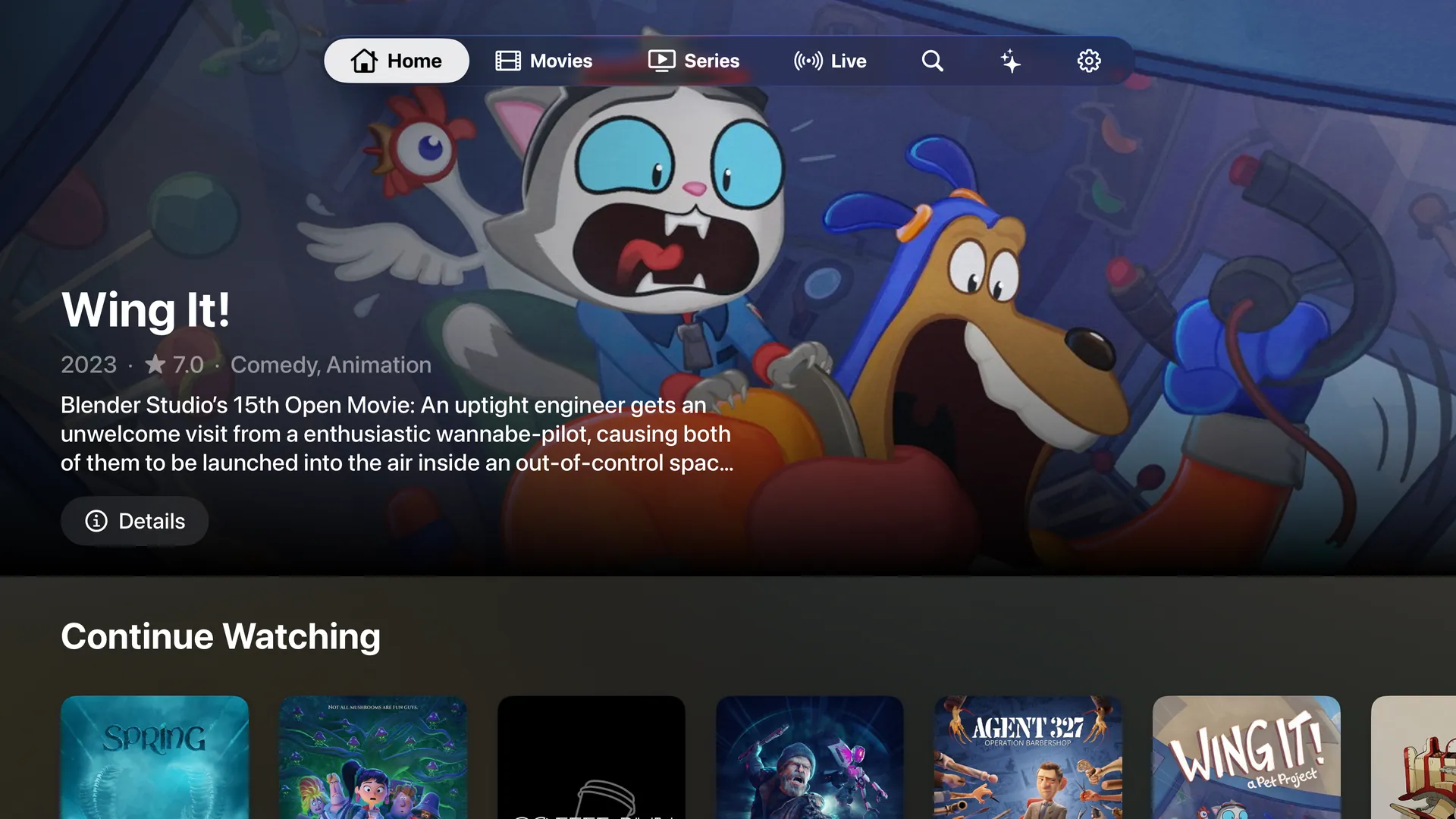
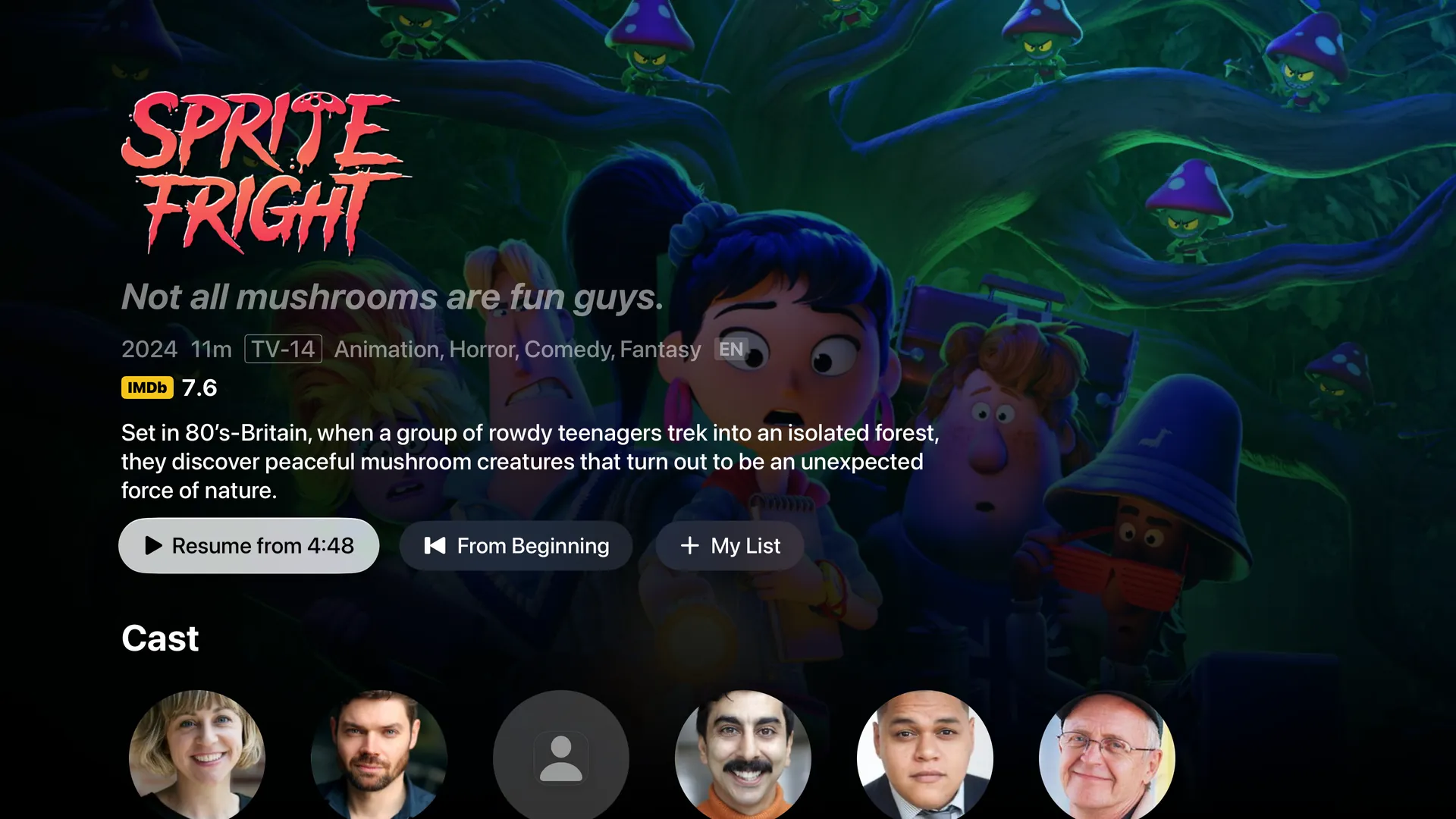
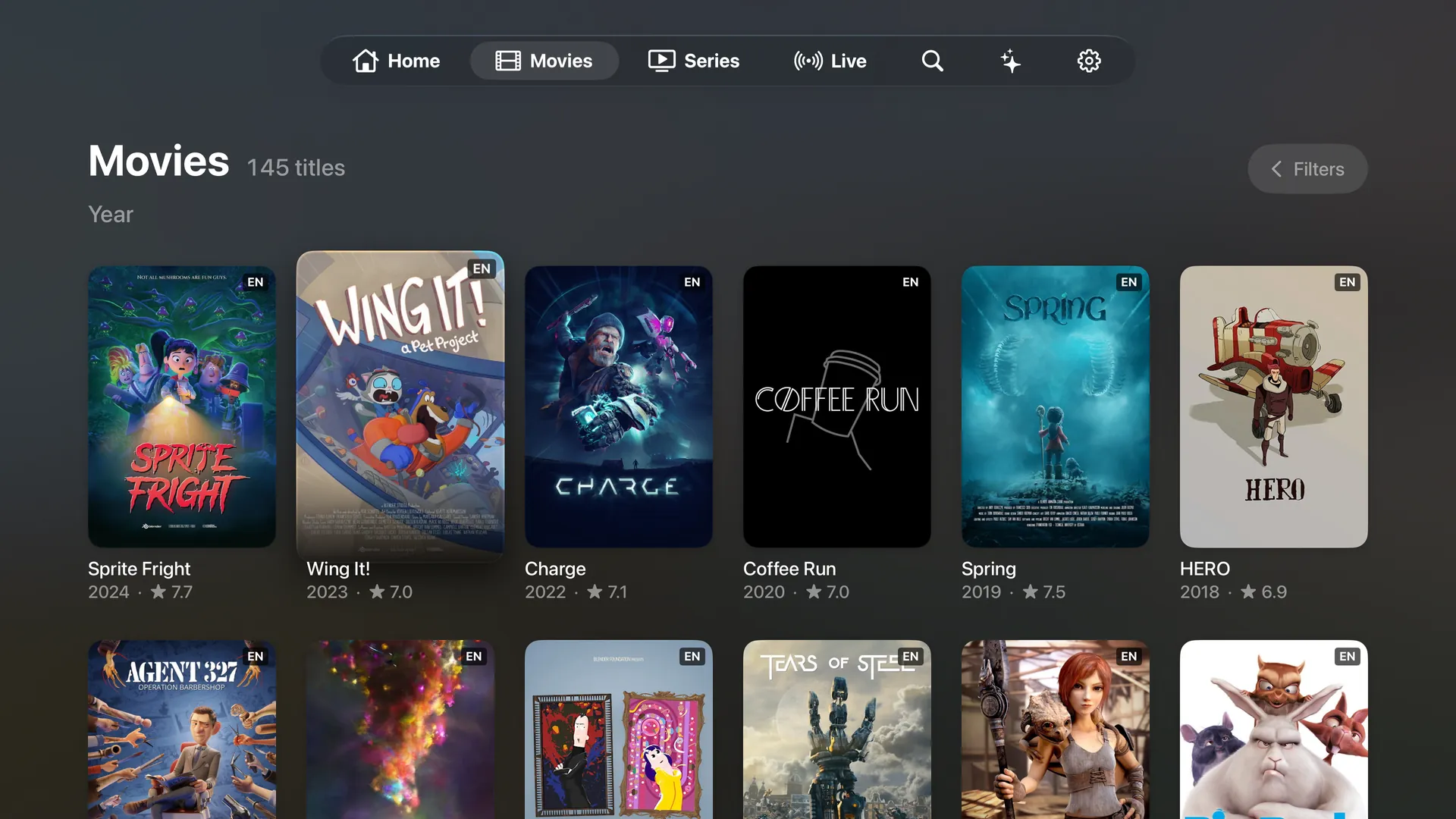


Pick up where you left off, with a different featured title every time you come back.
Tonight’s programme
Everything a night in deserves.
-
Your library, beautifully
Posters, backdrops, cast and synopses from TMDB. Add an OMDb key for IMDb, Rotten Tomatoes and Metacritic scores, and awards too.
-
Subtitles in sync
Find subtitles in your language on OpenSubtitles.com. Running early or late? Pick the line you just heard and Foyer syncs the rest, then remembers.
-
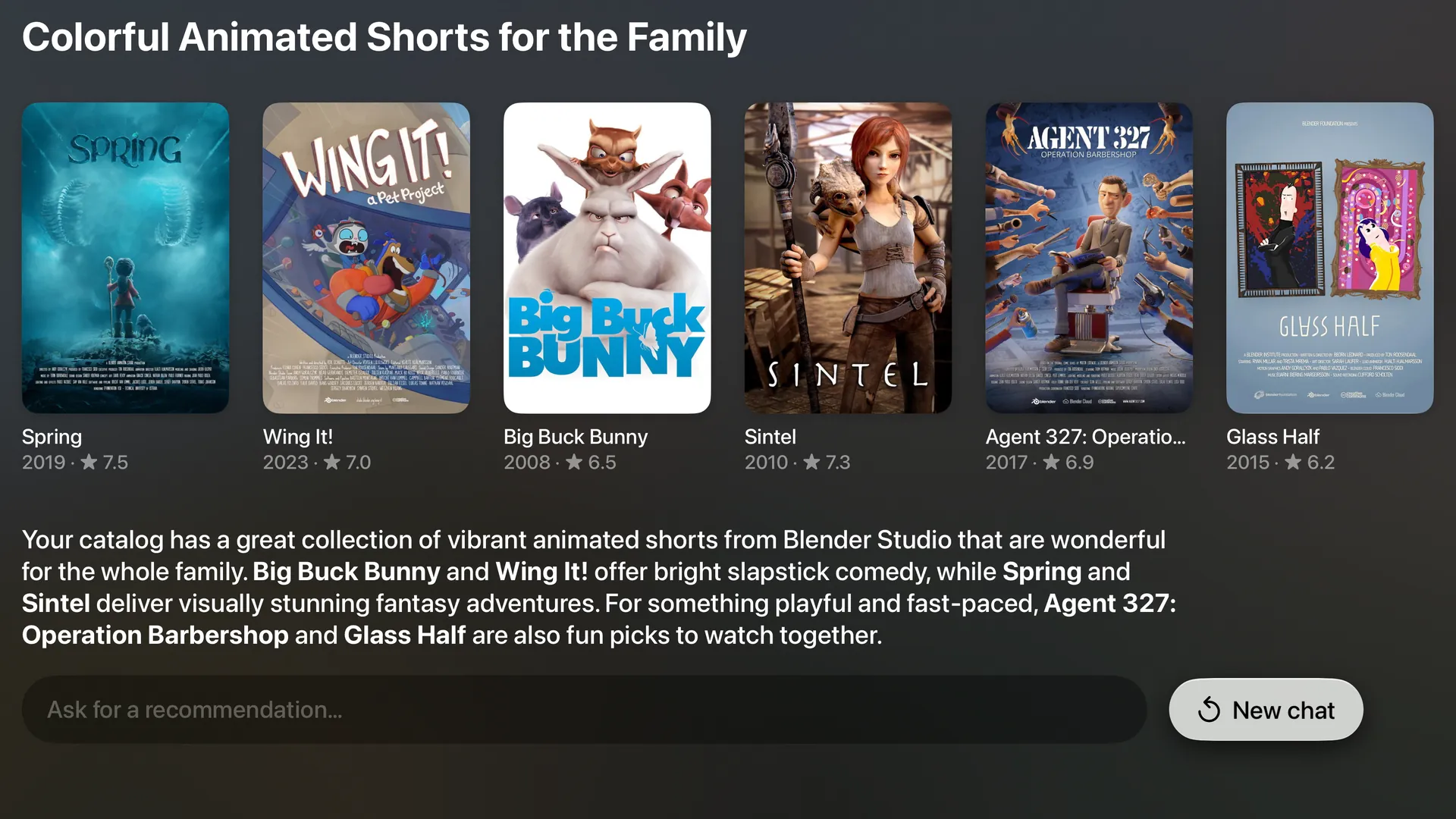
Ask, don’t scroll
Ask for “a noir with a twist” and the Assistant answers with titles you can play right now. Use your own Anthropic, OpenAI or Google key.
-
Live TV, sorted
Channels grouped by country and genre on their own, with what’s on now and next, and 24/7 channels shown with posters.
-
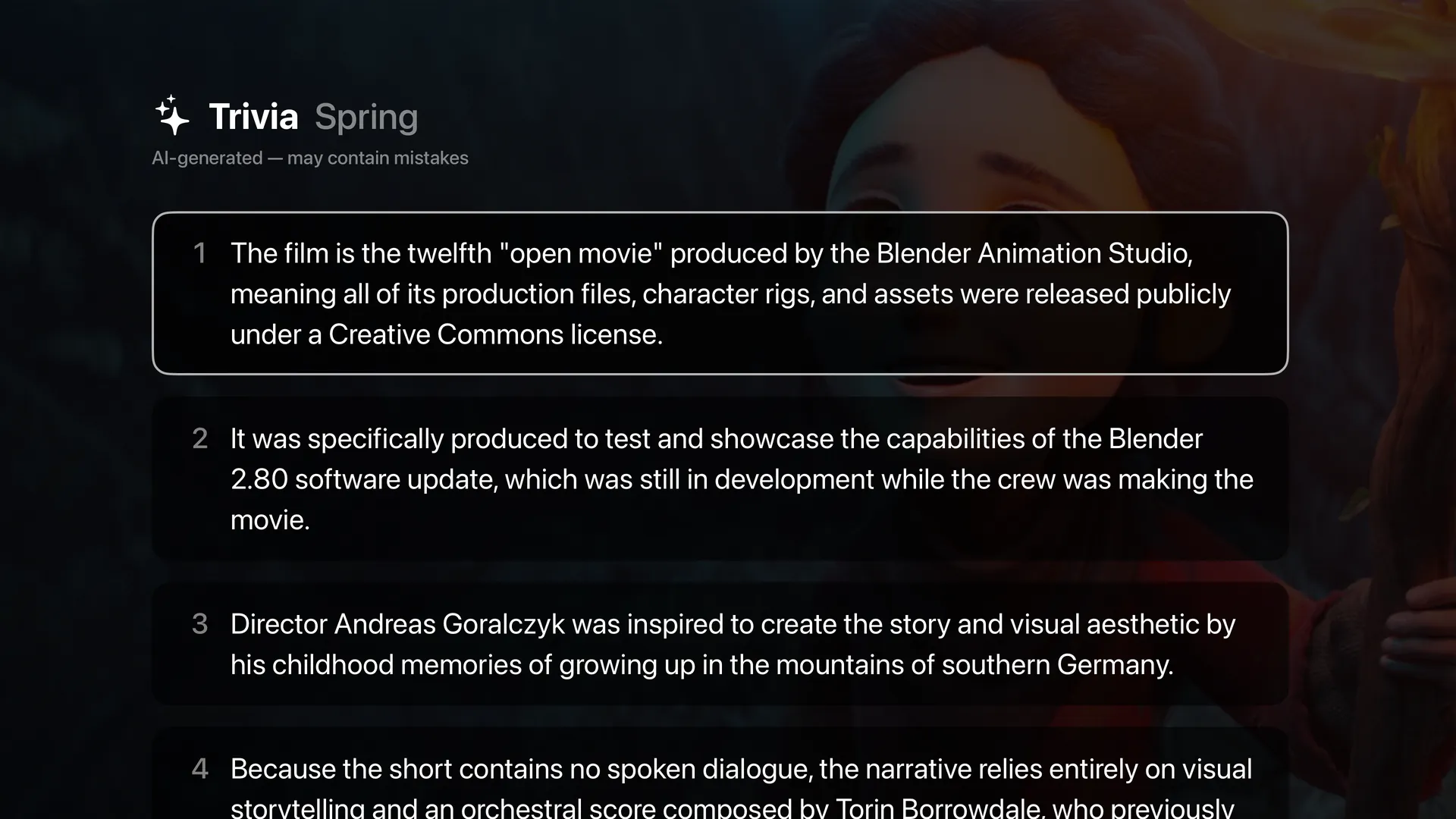
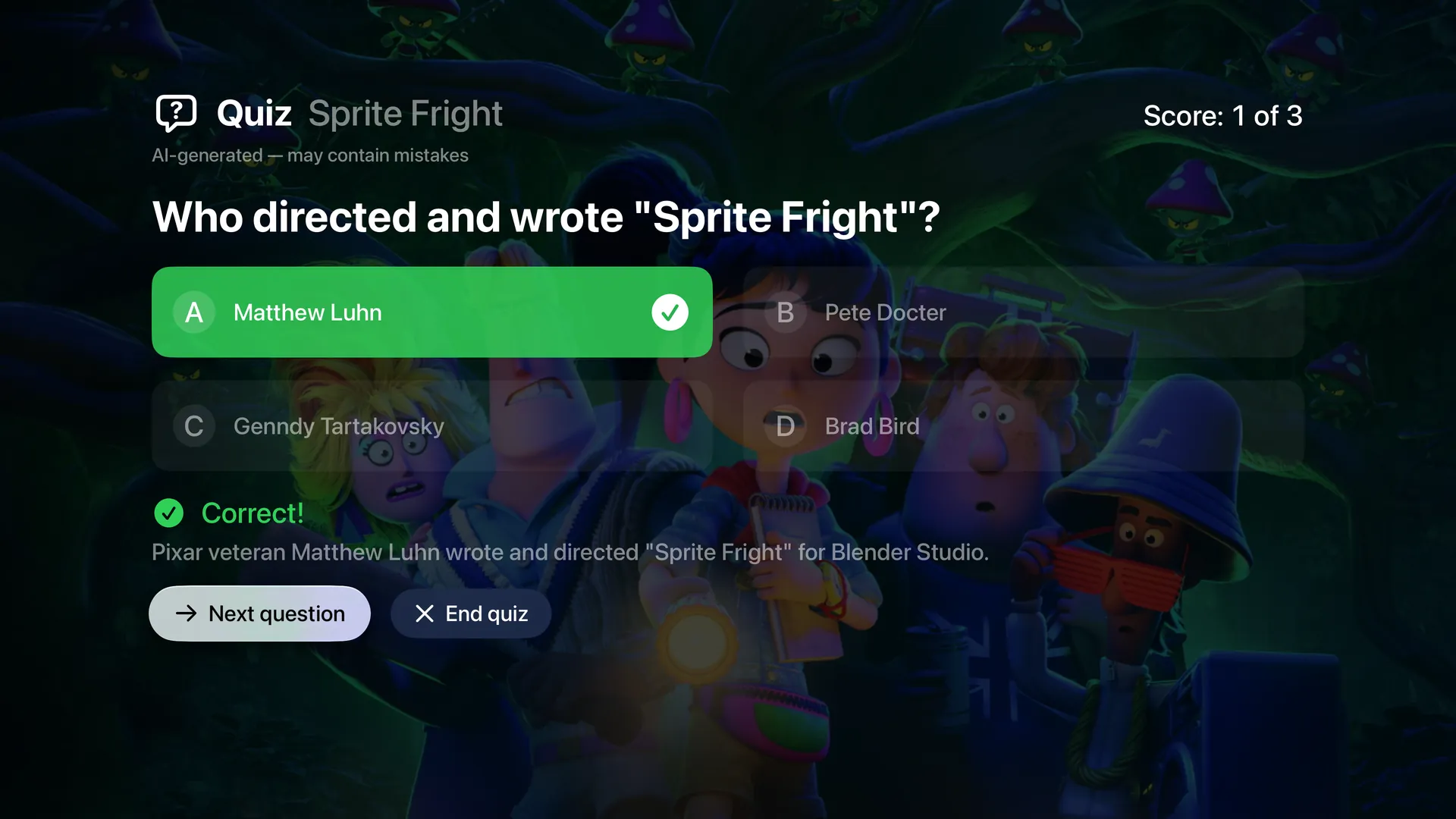
Trivia and quiz night
Behind-the-scenes facts and an endless quiz for any title, written by AI and clearly labeled as such.
-
Set up from your phone
Scan the QR code on the TV and type your server login and keys on your phone. No more spelling passwords with the remote.
-
Right where you left off
Continue Watching and My List on the Home screen, and your latest titles on the Apple TV Top Shelf.
-
Speaks your language
Foyer comes in 14 languages and picks audio and subtitles in yours, with every version of a title grouped together.
From the audience
Standing ovations from the cheap seats.
My server finally looks like it belongs on Apple TV.
Two clicks and the subtitles line up. That alone sold me.
I asked for a noir I hadn’t seen. It found three on my own server.
Set up from my phone in a minute. Never typed on the remote once.
The quiz is now our family’s after-movie ritual.
Thousands of channels, sorted by country. I can actually find things now.
Subtitles drifting? I picked the line I’d just heard and they snapped back in sync.
Five versions of the same film, neatly folded into one title.
The demo hooked me before I’d even connected my server.
My kids ask the Assistant for “something with dragons” and press play.
Guests keep asking which app this is. It looks that good.
House rules
- No accounts to create
- No ads, analytics or tracking
- Passwords and keys stay in your Apple TV’s Keychain
- AI stays off until you allow it
Privacy
What happens in the Foyer stays in the Foyer.
Foyer talks straight to your media server and to the services you choose. The developer doesn’t collect your data, not even an email address.
Read the privacy policyCurtain up
From download to popcorn in three steps.
-
Get Foyer
Download it from the App Store on your Apple TV.
-
Look around
Foyer opens on a demo of public-domain classics and Blender’s open movies, from Metropolis to Sprite Fright, so you can try everything right away.
-
Bring your server
Scan the QR code and type your server’s login on your phone. Foyer loads your catalog and the show begins.
Now showing
Foyer
on Apple TV
Your seat is waiting.
Soon
For Apple TV with tvOS 26 or later.